Unlock Pro-Level AI Imagery: Six Prompt Templates to Master Your Creations with the 1bit AI Image Generator
Tired of AI image generators that promise the world but deliver flat, lifeless results? The secret to professional-grade AI visuals isn't just the model; it's the prompt. Whether you're a designer, marketer, or hobbyist, mastering the art of the detailed prompt is crucial.
We've distilled the most effective prompting strategies into six easy-to-use templates. These powerful structures leverage the AI's deep language understanding to generate precise, compelling, and consistent images—perfect for use in the 1bit AI Image Generator!
1. Create Photo-Realistic Scenes
To move beyond simple snapshots, treat your prompt like a film set. Describe the subject, action, environment, and, most importantly, the camera and lighting.
Template: A photorealistic [shot type] of [subject], [action or expression], set in [environment]. The scene is illuminated by [lighting description], creating a [mood] atmosphere. Captured with a [camera/lens details], emphasizing [key textures and details]. The image should be in a [aspect ratio] format.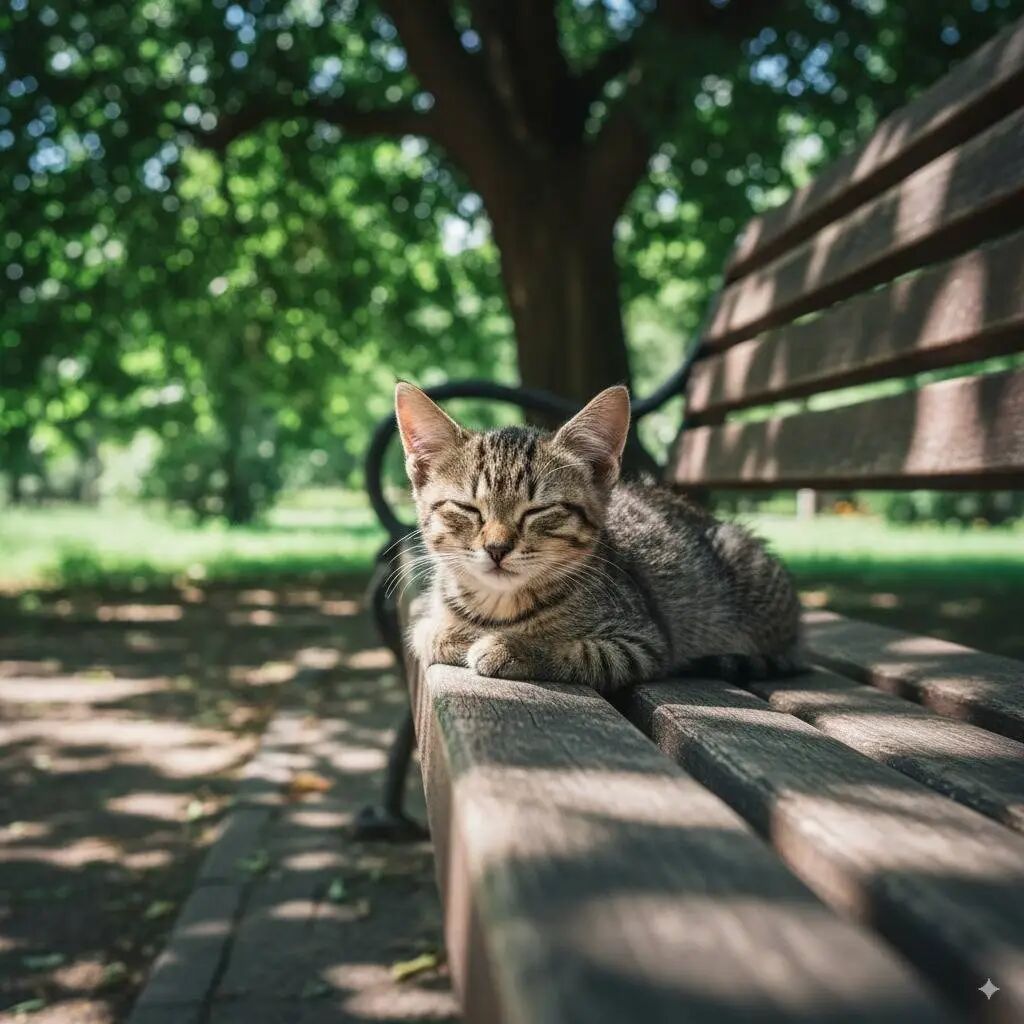
2. Style-Specific Illustrations and Stickers
For custom icons, stickers, or brand illustrations, focus on the style, palette, and key design features. Always specify a clean background for easy use.
Template: A [style] sticker of a [subject], featuring [key characteristics] and a [color palette]. The design should have [line style] and [shading style]. The background must be white.
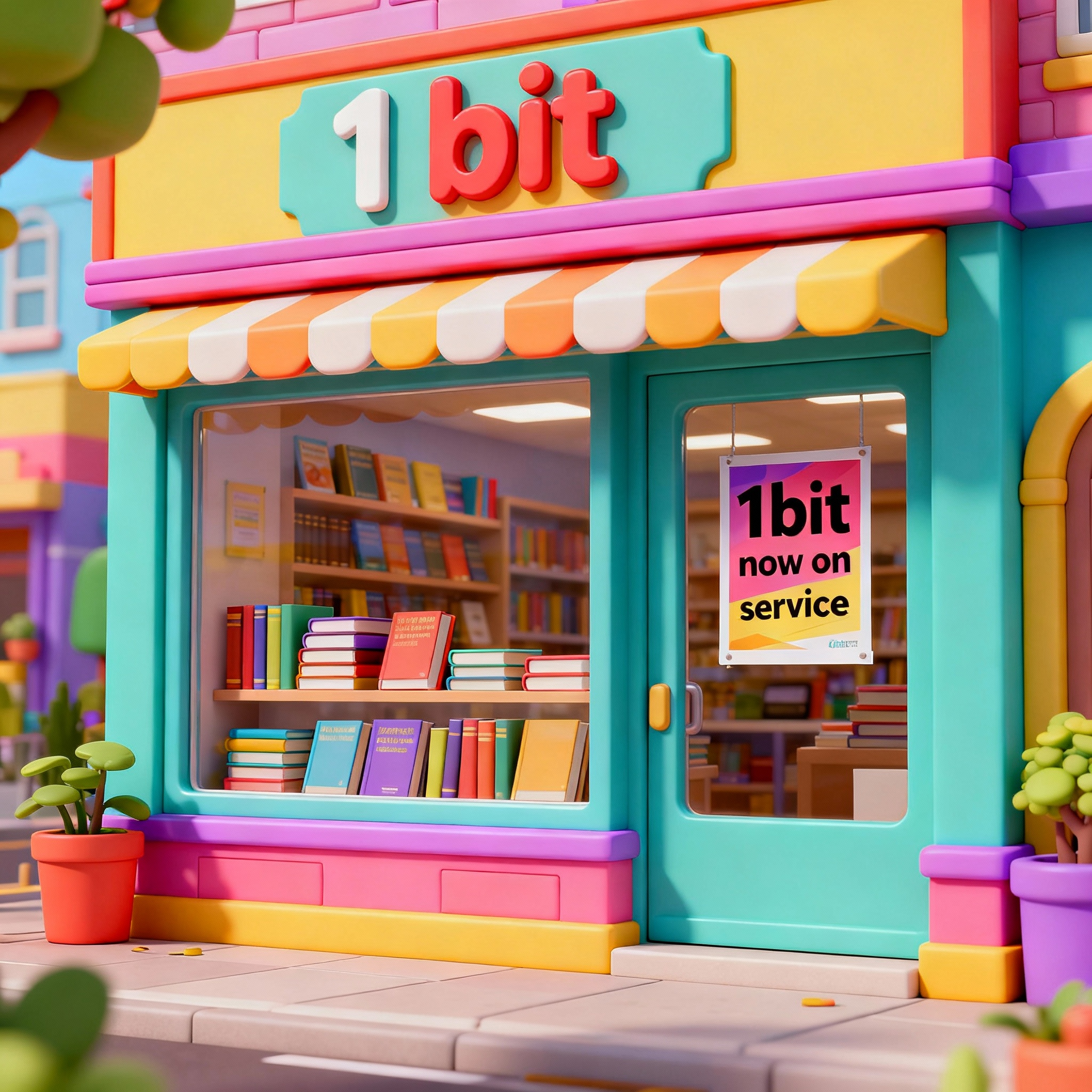
3. Accurate Text Rendering (Logos and Signs)
AI models, like those powering the 1bit generator, are becoming excellent at rendering text. Use this template to ensure your branding, logos, or signs look perfect. Be explicit about the font and design style.
Template: Create a [image type] for [brand/concept] with the text "[text to render]" in a [font style]. The design should be [style description], with a [color scheme].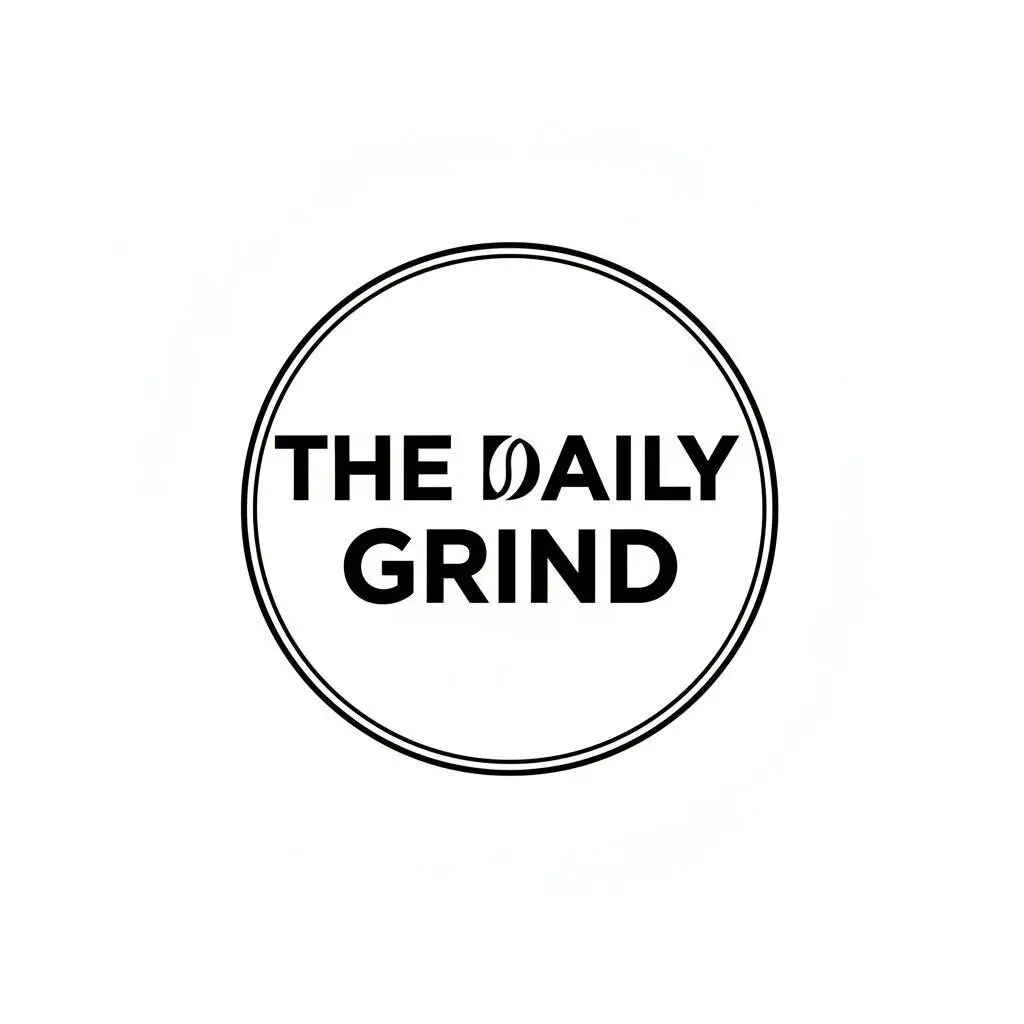
4. Commercial Product Photography and Mockups
Generate high-end product photos without a studio. Define the product, the surface, the precise lighting setup, and the camera angle to highlight specific features.
Template: A high-resolution, studio-lit product photograph of a [product description] on a [background surface/description]. The lighting is a [lighting setup, e.g., three-point softbox setup] to [lighting purpose]. The camera angle is a [angle type] to showcase [specific feature]. Ultra-realistic, with sharp focus on [key detail]. [Aspect ratio].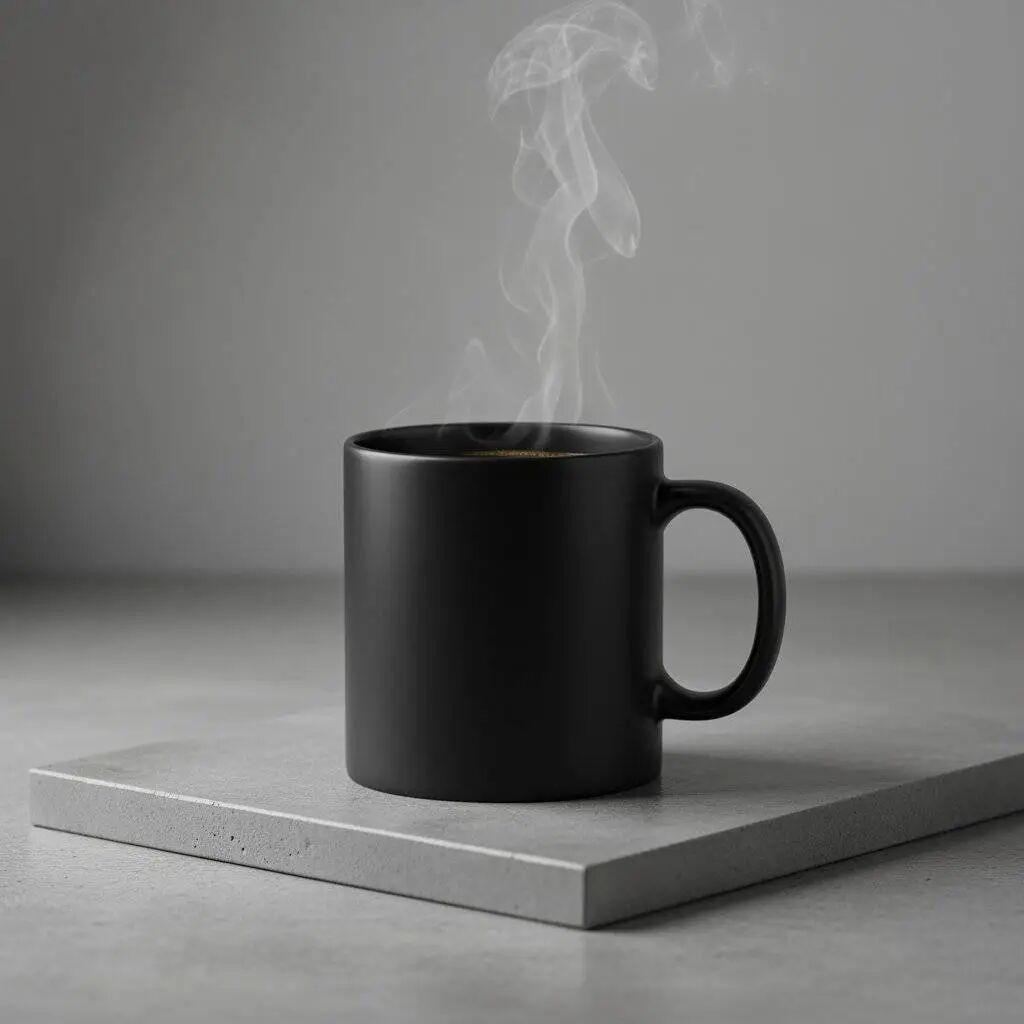
5. Minimalist and Negative Space Design
Ideal for website banners, presentation slides, or marketing backgrounds where you need room for text overlay. The focus is on clean composition and negative space.
Template: A minimalist composition featuring a single [subject] positioned in the [bottom-right/top-left/etc.] of the frame. The background is a vast, empty [color] canvas, creating significant negative space. Soft, subtle lighting. [Aspect ratio].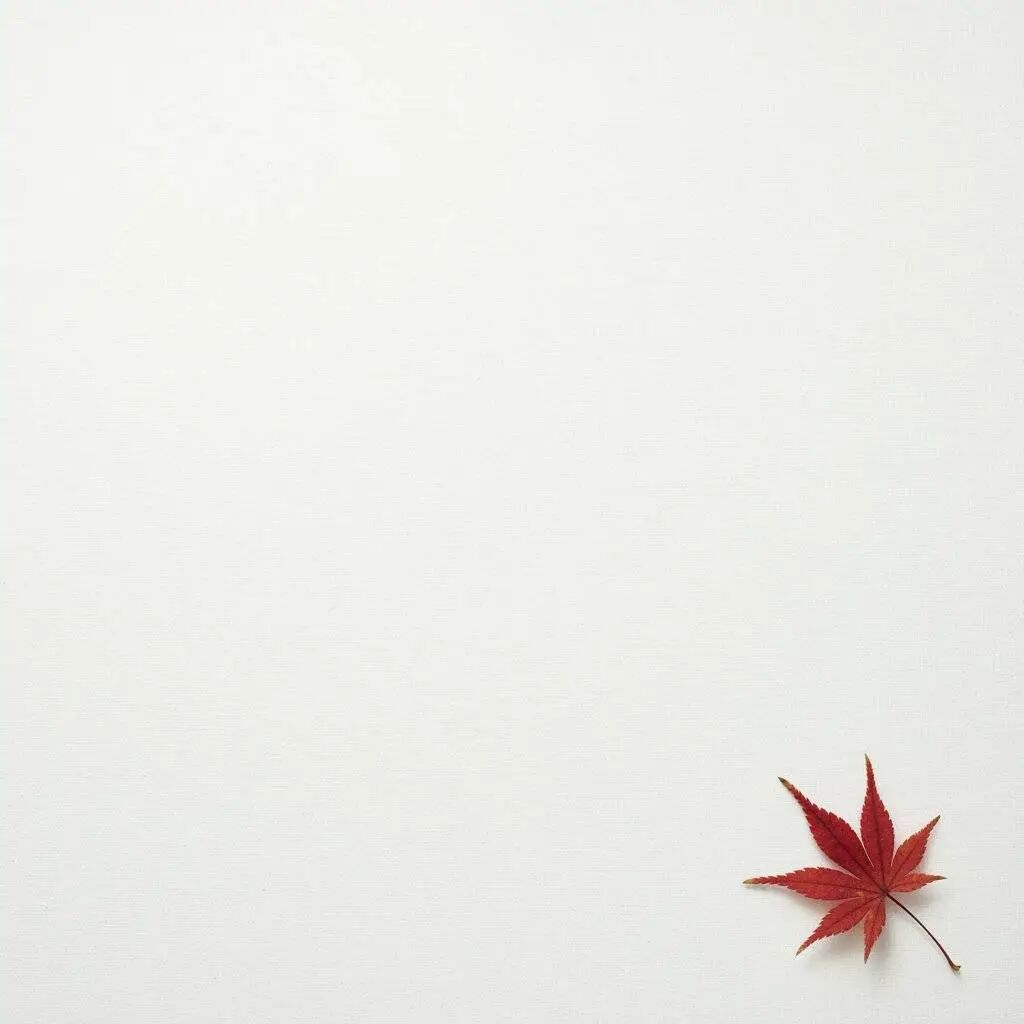
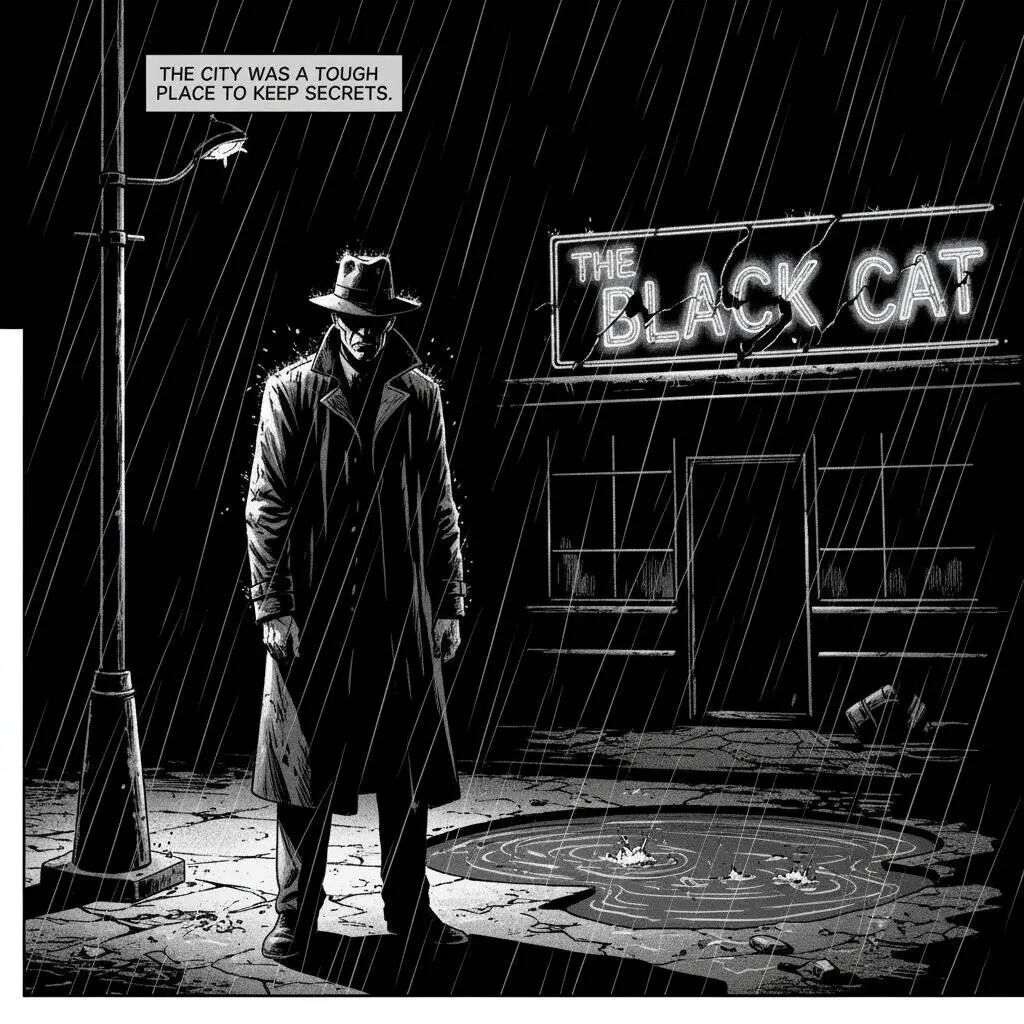
6. Visual Storytelling (Comics and Storyboards)
Need a clear, narrative image? This template is perfect for storyboarding or creating graphic novel panels. Describe the style, characters, setting, and the mood of the lighting.
Template: A single comic book panel in a [art style] style. In the foreground, [character description and action]. In the background, [setting details]. The panel has a [dialogue/caption box] with the text "[Text]". The lighting creates a [mood] mood. [Aspect ratio].