
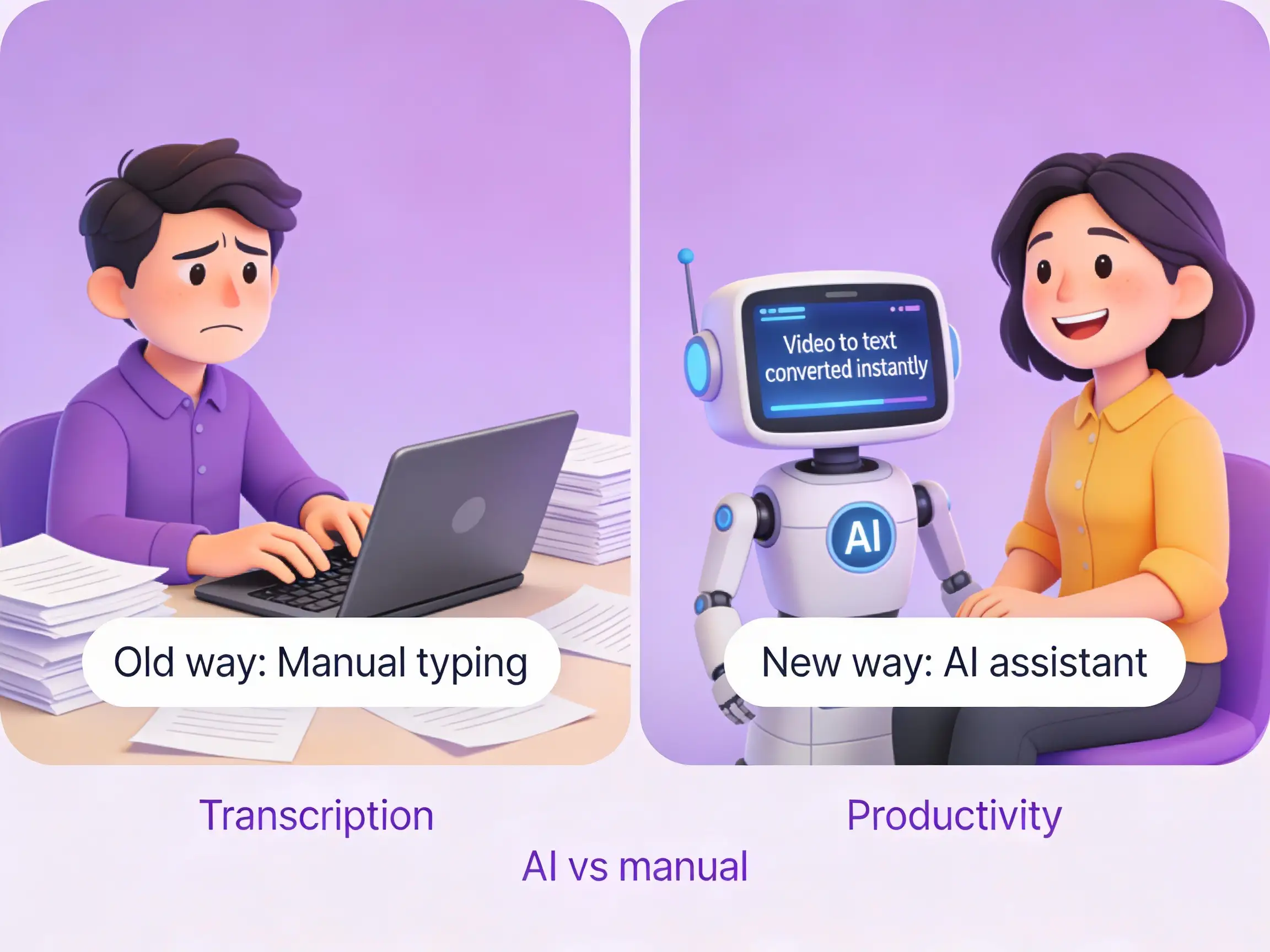
3 Best Ways to Convert Video to Text
AI vs Manual Transcription — Which is right for you?
Converting video to text used to be a tedious manual task. Today, AI has transformed it into a 30-second process. Here are the three best ways to get the job done, ranked.
BEST CHOICEMethod 1: AI Transcription Tools
Best Choice: 1bit AI
The Process:
Upload your video file (MP4, MOV, etc.) or a YouTube link to 1bit AI. Wait a few seconds. Export as TXT, Word, or SRT.
Pros:
- 90%+ Accuracy
- Blazing Fast (minutes instead of hours)
- Multi-language support
Method 2: Google Docs Voice Typing
The Process:
Open a Google Doc, enable Voice Typing, and play your video near the microphone.
Pros:
Free.
Cons:
Requires a quiet room, must play video in real-time (slow), lower accuracy.
Method 3: Human Transcribers
The Process:
Hire a freelancer on Upwork or Fiverr.
Pros:
Highest possible accuracy for complex audio.
Cons:
Slow turnaround (days) and expensive ($1+ per minute).
Conclusion
For speed, cost, and quality, 1bit AI is the clear winner for most users. Try it for free today!
Convert Your Videos to Text Now
Experience the fastest way to transcribe video content.
Try 1bit AI Free →