
5 Fun AI Tricks to Turn Any Building Photo into Viral Art—No Drawing Skills Needed!
Have a boring building snapshot on your phone? With the brand-new AI Image Editor you can transform it into five scroll-stopping visuals in under 60 seconds—no Photoshop, no prompts to memorize. Below we show the exact prompts we used so you can copy-paste and blow up your socials today.
Original Image
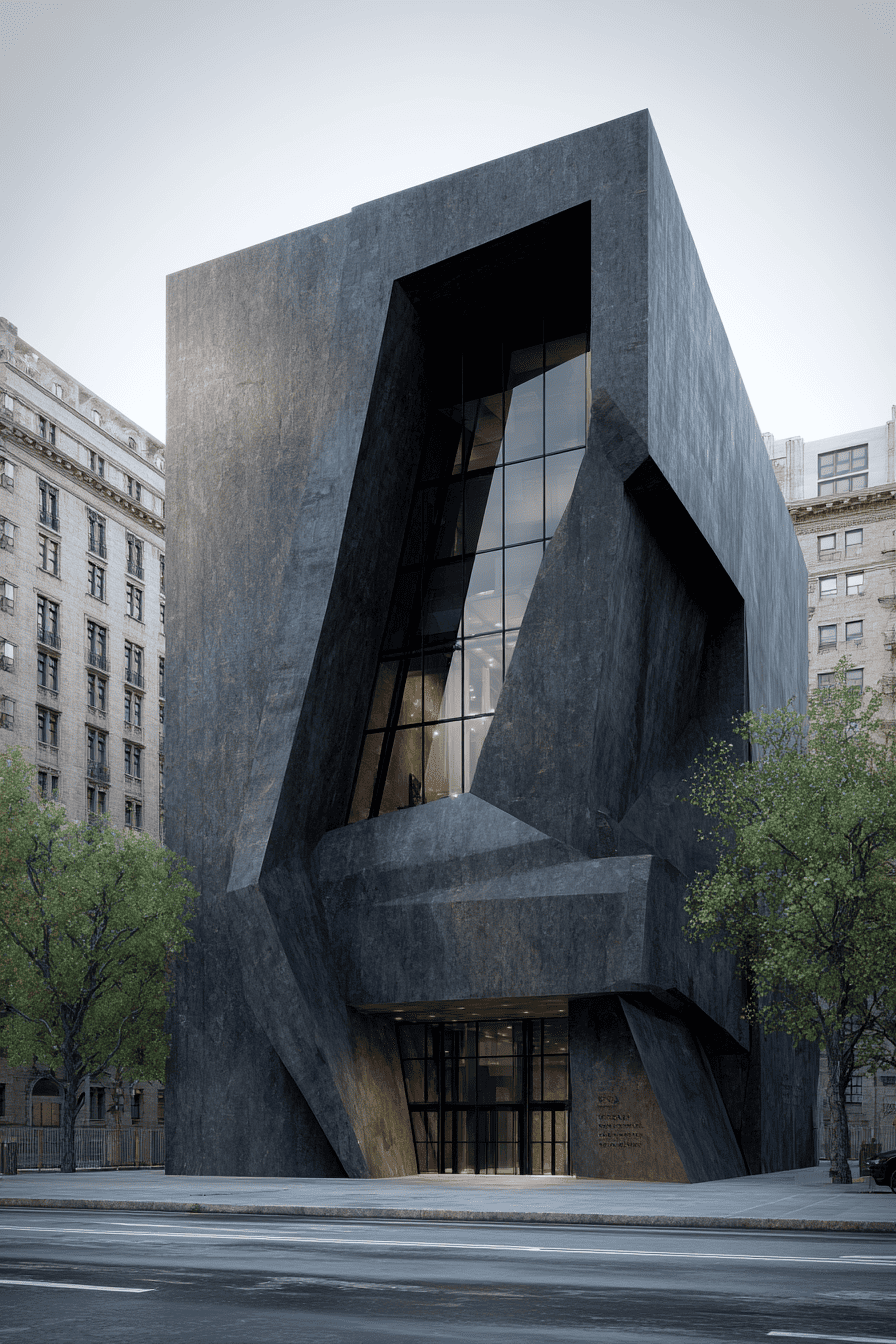 Our starting photo: a minimalist modern pavilion.
1. Hand-Drawn Master Sketch
Prompt: “Loose architectural pen sketch, expressive jittery lines, slight marker wash on plain paper, abstract composition with white space, atelier style.”
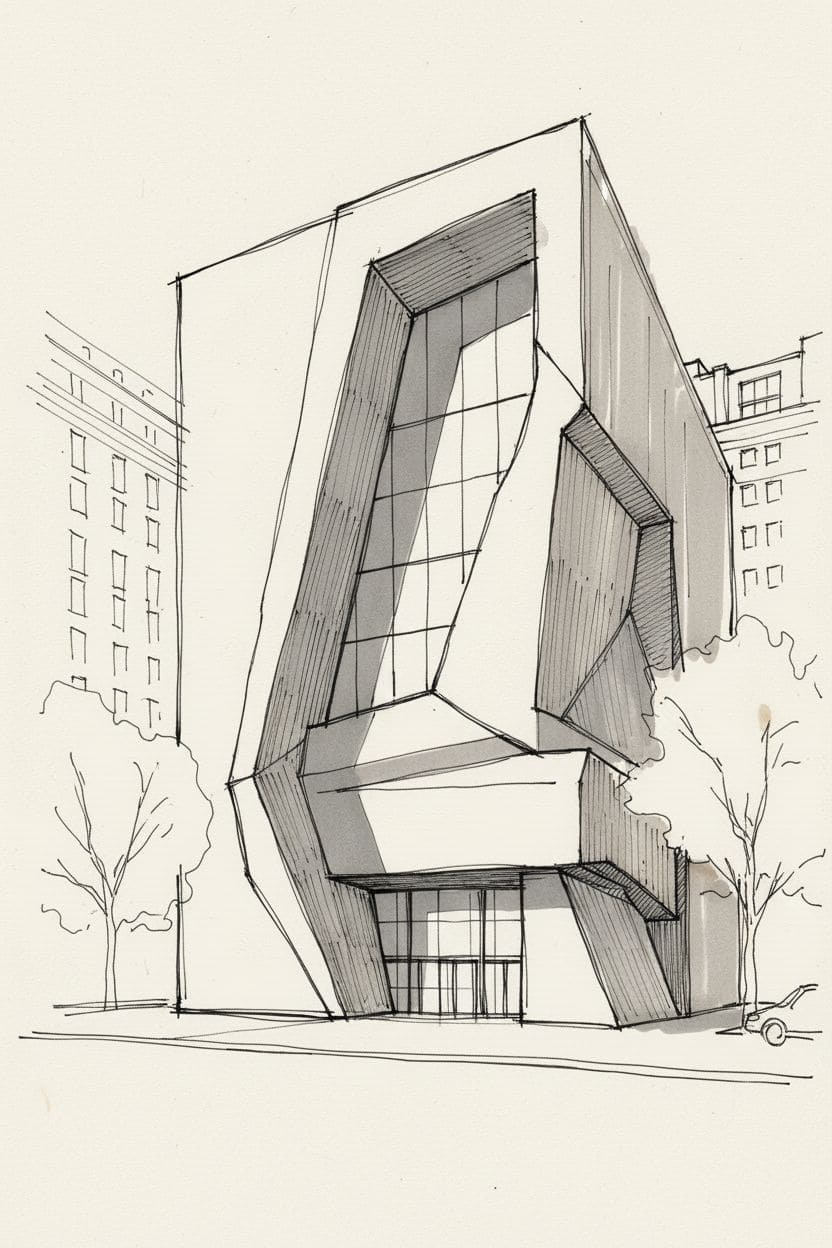 One click and the AI spits out a gallery-ready sketch.
Perfect for portfolio covers, Pinterest pins, or that “I sketched this on site” flex.
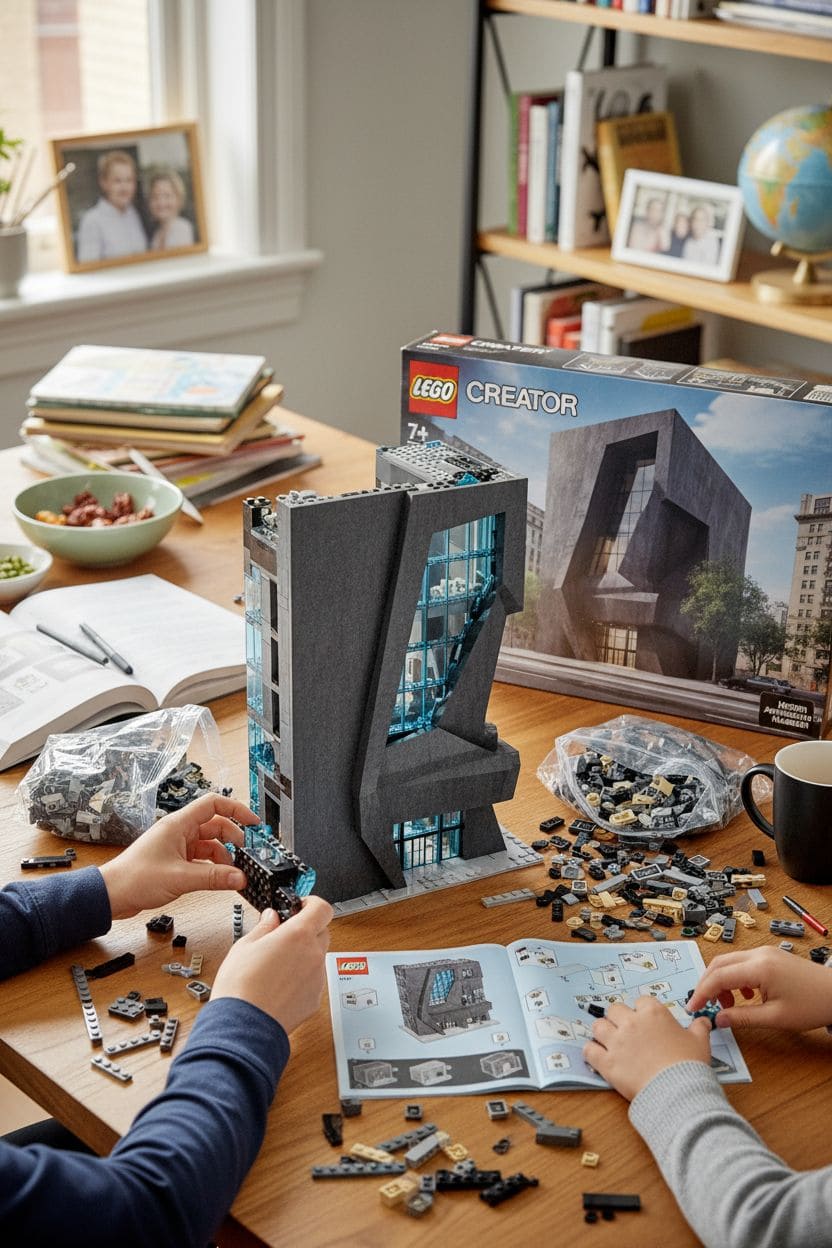
2. Lego Build in Progress
Prompt: “Realistic home desk scene: half-assembled Lego model of the building, instruction booklet open, scattered bricks, Lego box with the building render on front, cozy clutter.”
Want more? Ask for a cut-away view and watch tiny Lego figures move inside:
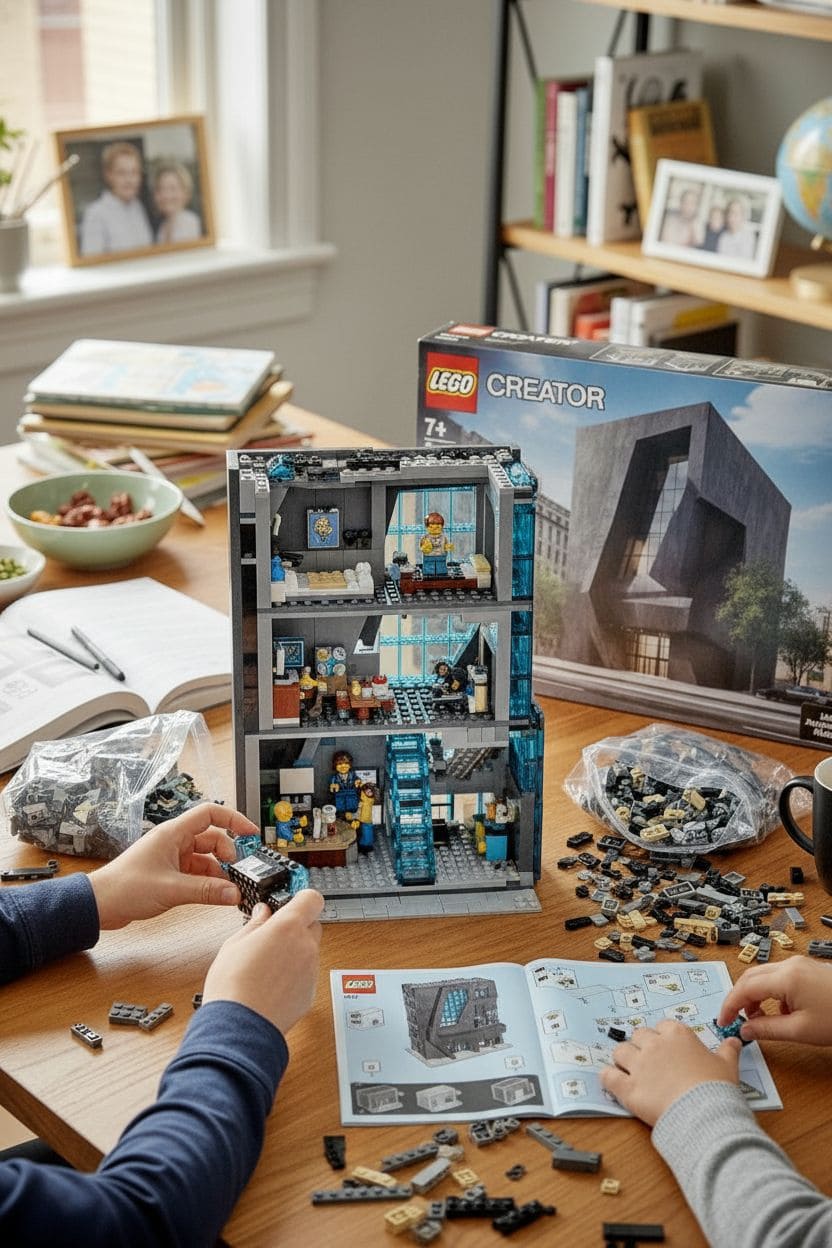
Instagram carousel gold.
3. BIG-Style Architecture Diagram Pack
Generate the whole presentation board in three clicks:
- Isometric view: “Clean isometric white massing model, thin lines, soft pastel shadows, BIG studio style, bold outer stroke, abstract trees.”
- Material study: “Same view with leader lines calling out concrete, glass, wood; material swatches at bottom.”
- Section perspective: “Modern gallery-style section cut, dark poche, light material color, minimal furniture, CAD-like background.”
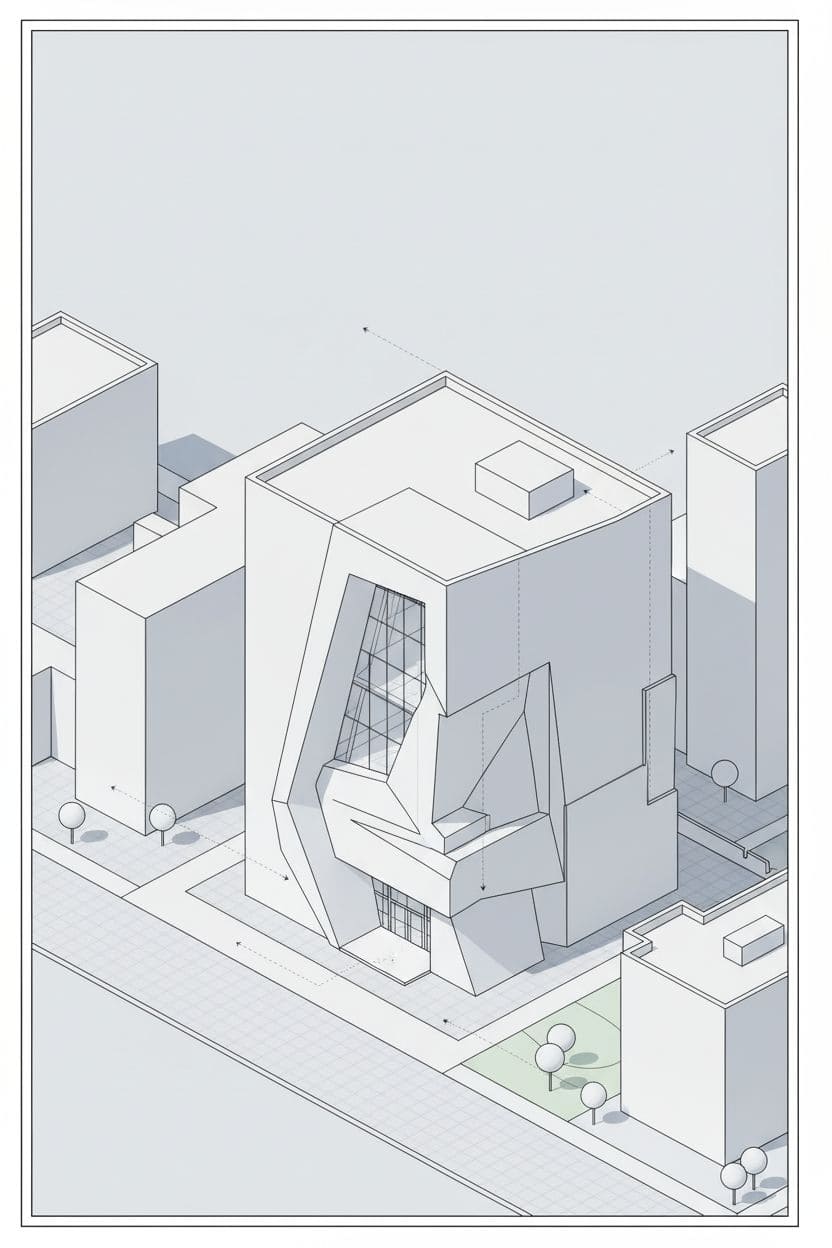

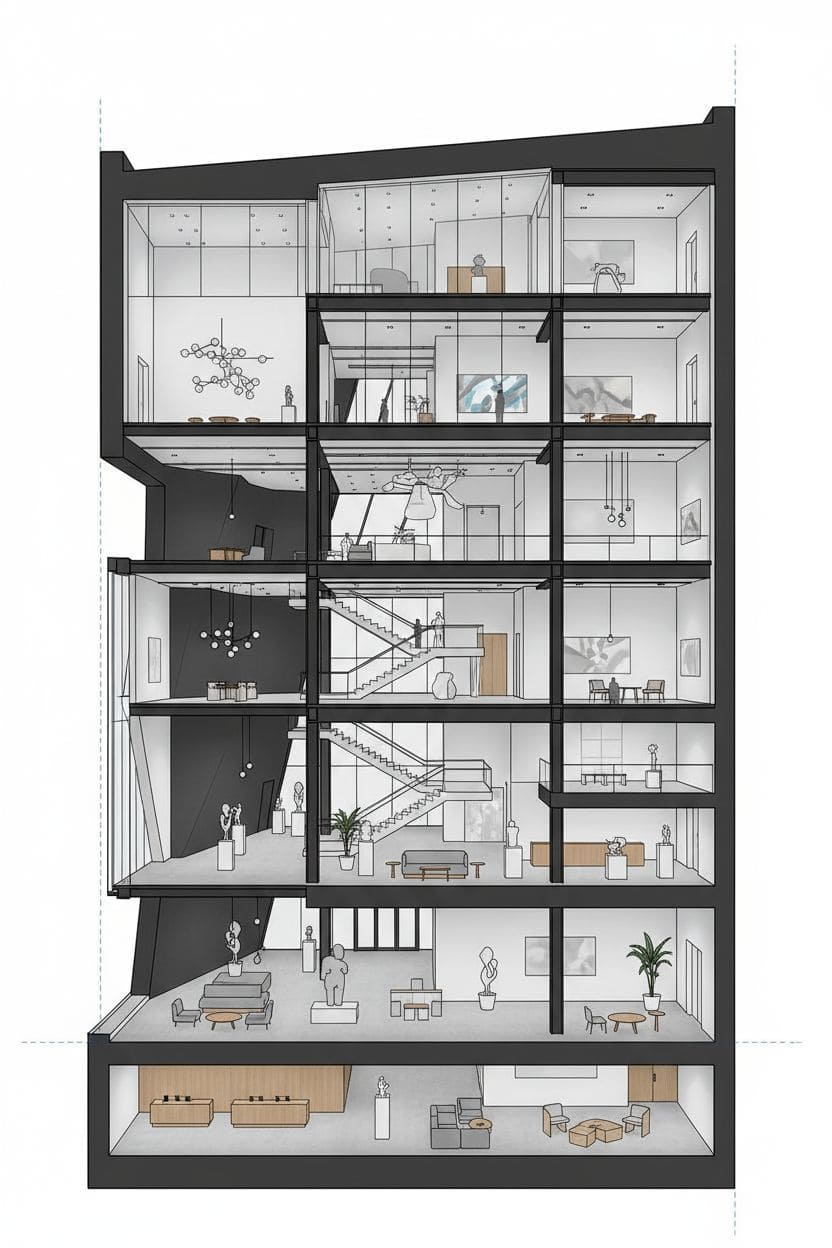
Architecture students, charge money for these boards.
4. Construction Site Mash-Up
Prompt: “Photo-real construction site: tower cranes, scaffolding, half-finished building; the other half ghosted as blue wireframe to show future volume.”
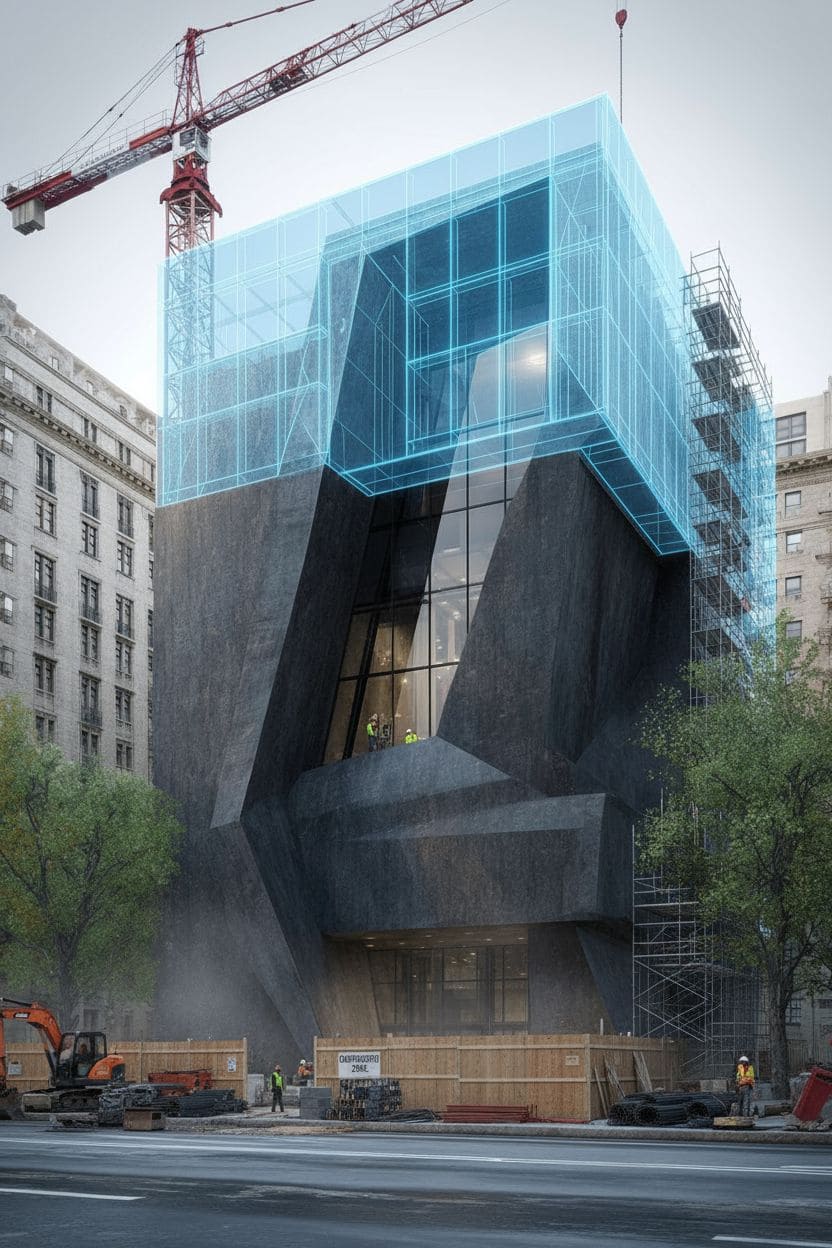
Ideal for LinkedIn posts pitching your next development.
5. Laser-Cut Wood Art & Lifestyle Shot
Prompt: “Multi-layer laser-engraved birch plywood art piece of the building, stacked depth, natural wood tones, soft studio light.”
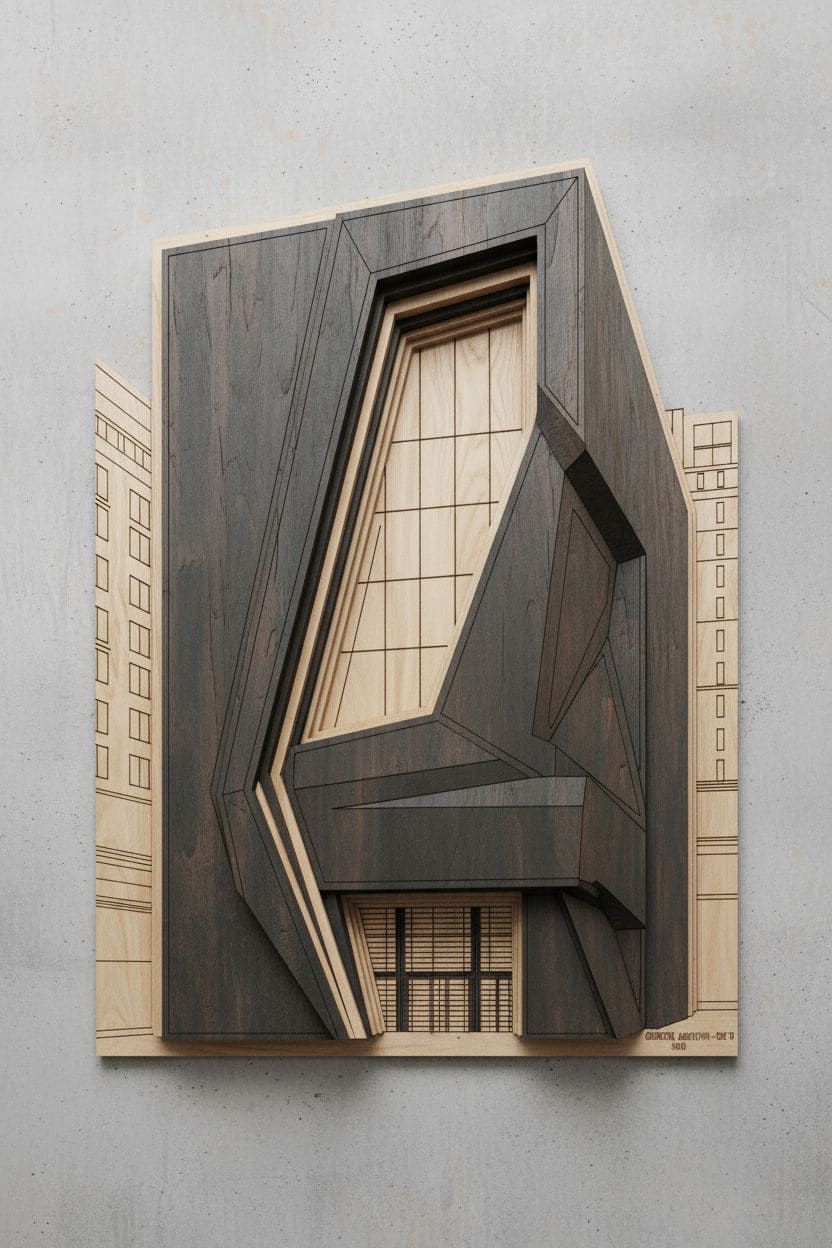
Then drop it into a Scandinavian living room for that Design-Milk vibe:

Etsy sellers, you know what to do.
How to Re-Create These in 3 Steps
- Open AI Image Editor (free trial, no card).
- Upload your photo → pick “Creative Transform” → paste any prompt above.
- Hit generate, download, post, repeat.
- “Turn my house photo into a Lego instruction sheet with AI”
- “AI pen sketch generator for architecture portfolios”
- “Free AI tool to make BIG-style isometric diagrams”
- “Construction site visualization split view AI”
- “Laser engraved wood wall art from building photo AI”
Ready to go viral? Smash the link below, start experimenting, and tag us @1bitAI so we can repost your craziest creations.