
Unblur the Memories: Best Way to Remove Mosaic from Photos
Harness the power of 1bit AI to restore pixelated images and reveal the hidden details in seconds.
Try Mosaic Remover FreeHave you ever found a precious memory in your gallery, only to realize it is obscured by blocky, pixelated distortions? Whether it is an old digital artifact or an accidental filter, 1bit AI Mosaic Remover is designed to reconstruct your images with professional-grade precision.
Why Choose AI Restoration?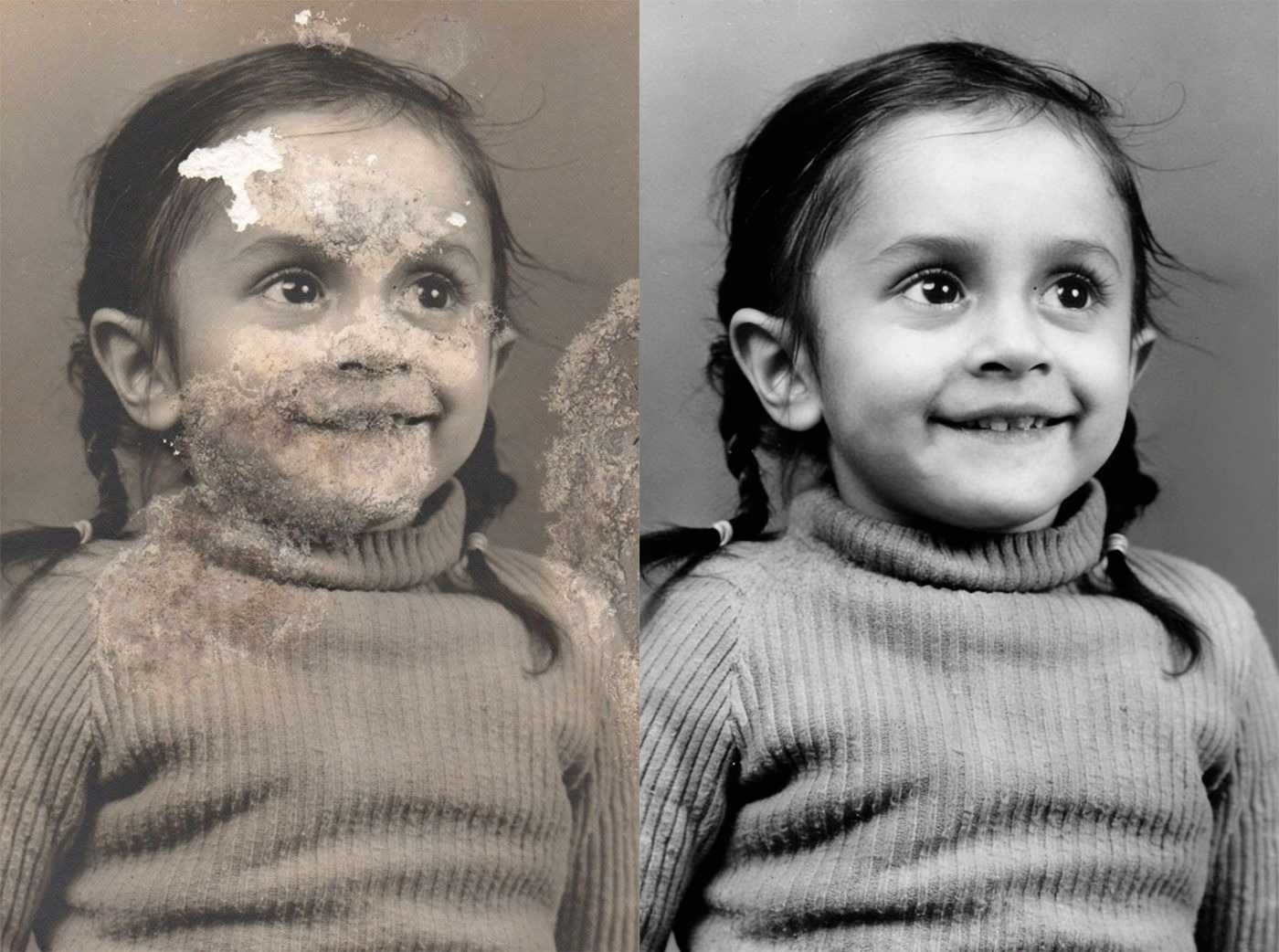
1. Restoring Vintage Digital Photos
Early digital cameras often produced "compression artifacts" that look like mosaic blocks. Our AI doesn't just blur them; it intelligently fills in the missing pixels to bring back sharp details and realistic textures.
Nostalgia Protection2. Recovering Lost Design Assets
Accidentally saved over a high-res file with a low-res thumbnail? Or lost a source file with an un-editable mosaic filter? Use 1bit AI to recover textures and save hours of manual re-designing.
Designer's Lifesaver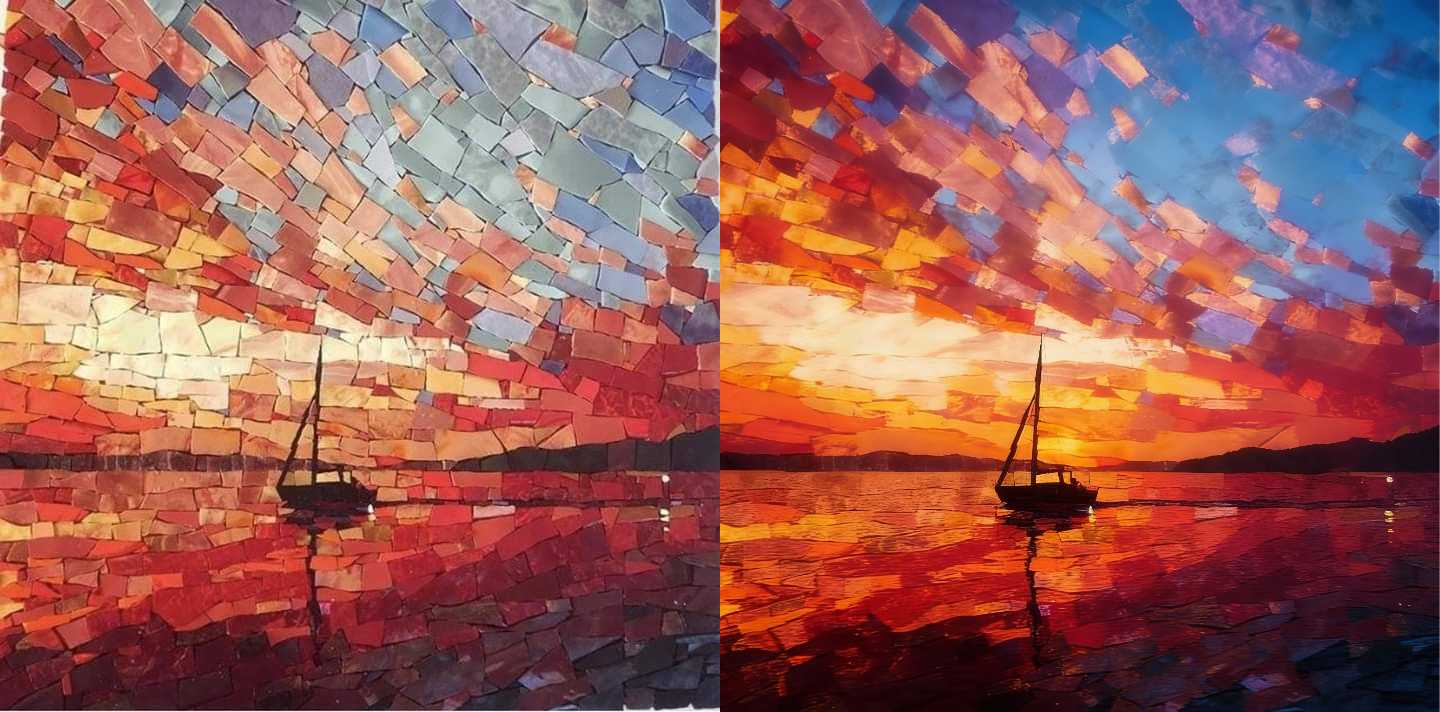 PRO FEATURE
Maximize Efficiency with Batch Removal
Got hundreds of images to process? Professional users can now leverage our Batch Mosaic Removal feature to clean up entire folders in a single click. No more waiting for individual uploads—let our high-performance GPU clusters handle the heavy lifting while you focus on your creative workflow.
Unlock Batch Processing